OpenAI Upgrades ChatGPT to Execute Automated Work Across Apps
OpenAI
ChatGPT shifts from an answering assistant to an active autonomous workspace capable of managing cross-platform tasks, browser control, and code resolution.
AI-assisted summary of Get started with ChatGPT Work — original source. Check the original for full context.
Source published:
Detailed notes
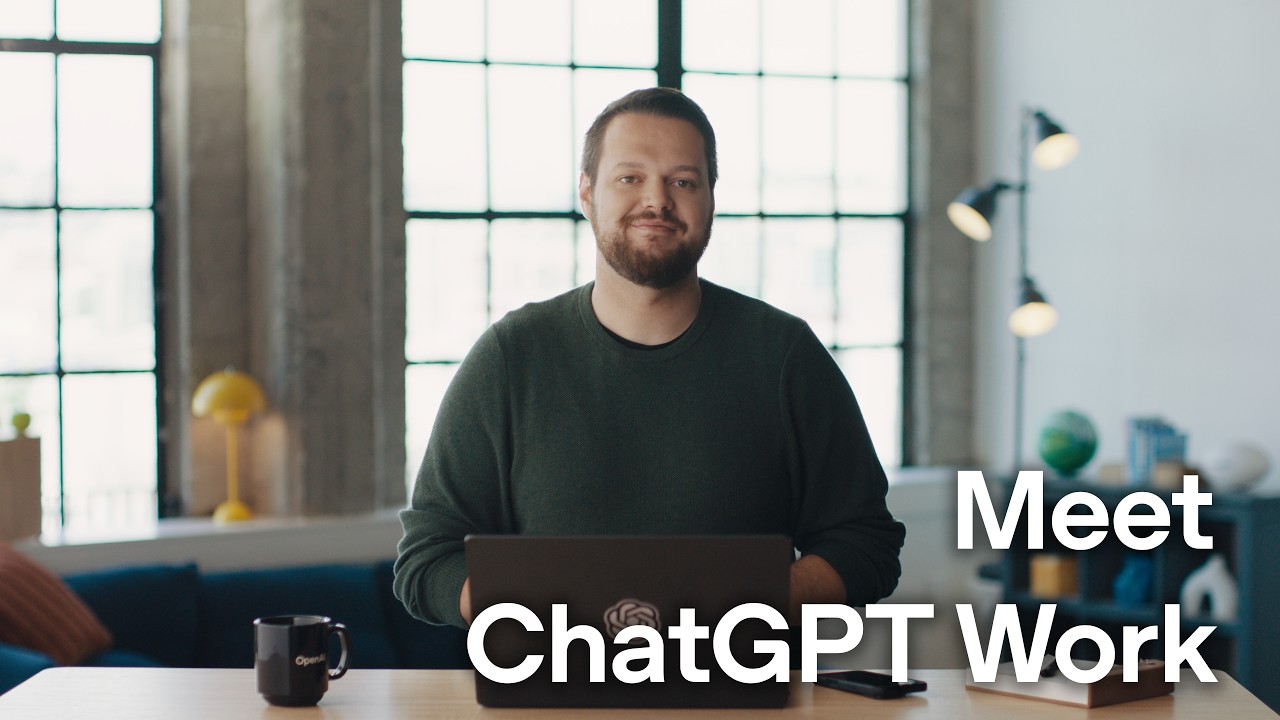
## Background Published on YouTube by OpenAI on July 9, 2026, this official walkthrough video introduces ChatGPT Work. According to the page description, ChatGPT Work provides a unified space across web, mobile, and the desktop app to delegate real work using connected apps, local projects, files, and browser automation.
## TL;DR The video demonstrates how ChatGPT Work moves beyond simple Q&A by actively executing complex, multi-step workflows. It showcases scheduled automations like daily briefing reports, dynamic marketing asset generation for a fictional neobank, and automated data consolidation that identifies a regional onboarding bug in Mexico. The presenter then uses appshots and Computer Use to let ChatGPT control the desktop screen, diagnose the software glitch, and submit a functional pull request via Codex.
## Atmosphere & style The presentation carries a polished, professional, and forward-looking tech-demonstration tone typical of OpenAI product launches. The narrative moves cleanly through realistic workplace scenarios, balancing smooth high-level workflow orchestration with deep-dive technical troubleshooting. It feels seamless, precise, and empowering, ending on a lighthearted note when the presenter casually asks ChatGPT to play walkout music.
## Key takeaways - [00:03](https://www.youtube.com/watch?v=GphgJjaKKhw&t=3s) ChatGPT Work shifts ChatGPT from responding to queries to actively executing tasks across web, desktop, and mobile platforms. - [00:03](https://www.youtube.com/watch?v=GphgJjaKKhw&t=3s) The platform integrates directly with everyday applications like Google Calendar, Slack, and Google Drive to access user data and context. - [00:03](https://www.youtube.com/watch?v=GphgJjaKKhw&t=3s) Users can set up recurring scheduled tasks, such as generating automated daily morning briefings with customized information. - [00:03](https://www.youtube.com/watch?v=GphgJjaKKhw&t=3s) Workflows synchronize seamlessly across web, mobile, and desktop applications, allowing users to transition between devices mid-task. - [01:42](https://www.youtube.com/watch?v=GphgJjaKKhw&t=102s) The marketing workflow supports creative asset generation, including brand-aligned launch site visuals, mood boards, and slide decks. - [02:37](https://www.youtube.com/watch?v=GphgJjaKKhw&t=157s) The platform consolidates fragmented metrics from multiple tools into single analytical views and flags data anomalies automatically. - [02:37](https://www.youtube.com/watch?v=GphgJjaKKhw&t=157s) Interactive dashboards can be created and modified in real time through direct on-screen annotations and collaboration. - [03:44](https://www.youtube.com/watch?v=GphgJjaKKhw&t=224s) Using Sites, reports and dashboards can be published as interactive web pages, shared automatically via Slack, and scheduled for updates. - [03:44](https://www.youtube.com/watch?v=GphgJjaKKhw&t=224s) The Cmd+Cmd keyboard shortcut takes an 'appshot' to provide ChatGPT with context-aware visual information about the active application. - [03:44](https://www.youtube.com/watch?v=GphgJjaKKhw&t=224s) Computer Use enables ChatGPT to take control of the cursor to navigate desktop applications, fill forms, and test interface functionality. - [05:09](https://www.youtube.com/watch?v=GphgJjaKKhw&t=309s) Developers can inspect code diffs and prepare Pull Requests directly within the integrated Codex environment.
## Detailed walkthrough ### [00:03](https://www.youtube.com/watch?v=GphgJjaKKhw&t=3s) Introducing ChatGPT Work and Scheduled Tasks
OpenAI presents a brand-new iteration of ChatGPT available across web, desktop, and mobile platforms. This update shifts ChatGPT from simply answering user queries to actively executing real work by connecting directly to user tools. The interface remains familiar, but users can now hand off substantive tasks. By granting access to applications such as Google Calendar, Slack, and Google Drive, ChatGPT can review upcoming obligations and compile daily preparation materials automatically. Beyond basic tool connections, plugins now offer role-specific bundled workflows tailored for departments like sales, data science, and marketing.
To eliminate the need for manual daily requests, tasks can be configured as recurring automations. For instance, ChatGPT can serve as a personal Chief of Staff by generating a daily morning briefing that outlines upcoming meetings alongside customized extras, such as World Cup match scores for specific teams. These workflows synchronize seamlessly across devices—a user can initiate a chat on the web interface, step away from their desk, and continue monitoring progress on a mobile device without interruption. Moving to the desktop application grants access to local files and projects, enabling users to establish context, delegate complex tasks, and re-engage only when input or review is required.
- Key integrations shown include Calendar, Slack, Drive, local project files, and role-specific plugin bundles. - Workflows automatically sync state between web, mobile, and desktop environments.
---
[01:42](https://www.youtube.com/watch?v=GphgJjaKKhw&t=102s) Marketing Workflow
To demonstrate a complex cross-functional scenario, the presenter walks through a project for a fictional neobank named Hudson as it prepares to launch its mobile app. Using ChatGPT's built-in image generation capabilities alongside brand guidelines and logos, the platform generates a wide variety of on-brand visual assets for a launch site. This capability allows teams to rapidly explore multiple creative directions while maintaining aesthetic consistency.
The project expands into an full advertising campaign where ChatGPT generates visual mood boards. Exploring conceptual avenues, such as a full takeover campaign, takes significantly less time than traditional manual brainstorming. Finally, ChatGPT converts these visual assets into a slide deck ready for team launch reviews.
- Fictional company used: Hudson (a neobank launching a mobile app). - Creative materials generated include launch site visuals, ad campaign mood boards, and presentation decks.
---
[02:37](https://www.youtube.com/watch?v=GphgJjaKKhw&t=157s) Data Analytics Workflow
Post-launch, the focus shifts to data analytics to assess early app performance. Because metrics, user feedback, team communications, and launch plans typically live in fragmented systems, ChatGPT consolidates these disparate sources. Recognizing a data-related query, the assistant automatically invokes relevant analytical skills and workflows to synthesize metrics, signups, activation rates, and onboarding funnel conversion steps.
During data exploration, ChatGPT automatically flags an anomaly: while overall launch metrics appear healthy, user activation drops significantly in Mexico due to a suspected phone onboarding issue. To share these findings effectively, ChatGPT constructs an interactive dashboard rendered in an in-app browser. Users can directly annotate elements live—such as adding a one-line summary—collaborating with ChatGPT in real time as adjustments render on screen.
- Consolidates scattered data from spreadsheets, data warehouses, and team comms into unified metrics. - Flags an operational issue specifically affecting phone onboarding activation rates in Mexico.
---
[03:44](https://www.youtube.com/watch?v=GphgJjaKKhw&t=224s) Publishing with Sites and Computer Use
To distribute reports efficiently across an organization, ChatGPT utilizes Sites to publish interactive web pages directly from the platform. With a single request, ChatGPT publishes the analytics dashboard, generates a shareable link, posts it directly to a team Slack channel, and schedules daily automated updates for the metric data.
To resolve the root cause of the Mexican onboarding bug, the workflow transitions to Codex within ChatGPT. To diagnose what customers are experiencing, the user runs an app simulator on-screen and takes an "appshot" using the `Cmd+Cmd` keyboard shortcut. An appshot functions as a context-aware screenshot that informs ChatGPT which application is active and provides context to perform actions. ChatGPT then initiates background Computer Use—taking direct control of the user's cursor to operate the app, fill out forms, and run comparison tests between valid Mexican and German phone numbers. When native app plugins are absent, Computer Use allows ChatGPT to directly manipulate desktop applications or navigate external websites using a browser extension.
- Keyboard shortcut `Cmd+Cmd` triggers an "appshot" to provide visual and functional application context. - Uses direct Computer Use to interact with simulated software and test Mexican phone number validation issues.
---
[05:09](https://www.youtube.com/watch?v=GphgJjaKKhw&t=309s) Code Resolution and Conclusion
Once the bug is identified—confirming that valid Mexican phone numbers fail validation during onboarding—ChatGPT is instructed to prepare a software fix. The proposed solution is rendered inside Codex, allowing developers to inspect code diffs directly within ChatGPT, review structural changes, and publish a Pull Request (PR) to ship the updated application build.
The walkthrough demonstrates ChatGPT Work as a unified workspace capable of delegating end-to-end tasks spanning web applications, local repositories, browser sessions, and system-level operations. To conclude the demonstration, the presenter playfully requests ChatGPT to "play some walkout music" to close the presentation.
- Automatically drafts a PR to fix phone number validation logic directly within the integrated Codex environment. - Learn more at [learn.chatgpt.com](https://learn.chatgpt.com/).
## Notable quotes > [00:00](https://www.youtube.com/watch?v=GphgJjaKKhw&t=0s) ChatGPT Work gives you one place to delegate real work across your apps, files, local projects, browser, and computer.
> [00:00](https://www.youtube.com/watch?v=GphgJjaKKhw&t=0s) In this walkthrough, see how to connect your tools, set up recurring work, move between devices, and collaborate with ChatGPT as it works toward an outcome.
> [05:09](https://www.youtube.com/watch?v=GphgJjaKKhw&t=309s) play some walkout music — Presenter
## Mentioned ChatGPT Work, OpenAI, Google Calendar, Slack, Google Drive, Hudson, Sites, Codex, World Cup, learn.chatgpt.com
[Source](https://www.youtube.com/watch?v=GphgJjaKKhw)